UC Berkeley
Webpage Redesign
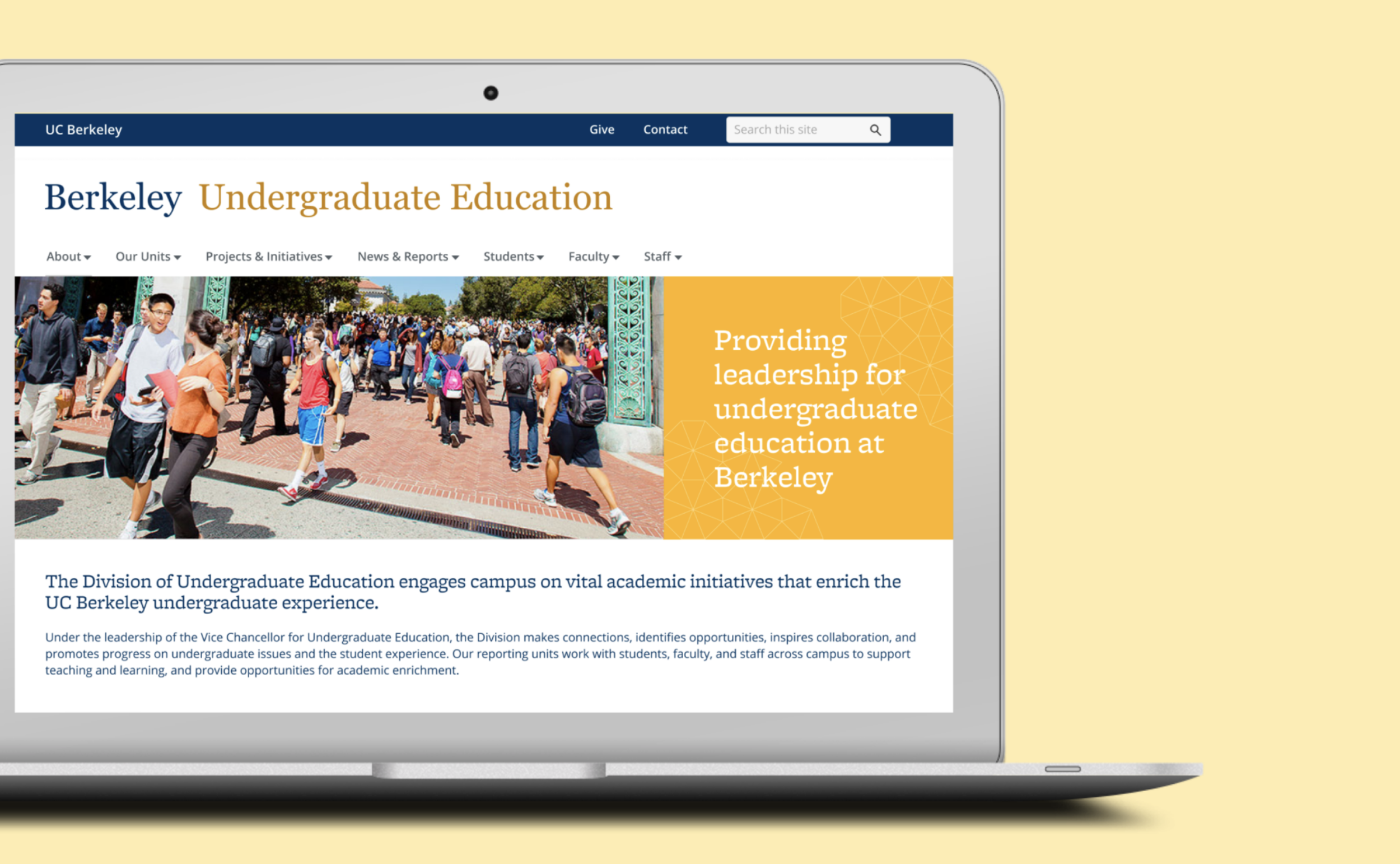
Overview
The UC Berkeley Undergraduate Education website, spearheaded by the Vice Chancellor for Undergraduate Education (VCUE), aims to highlight the units, projects, achievements, and resources within the Division of Undergraduate Education. The Undergraduate Education website, better known as the VCUE website, was redesigned to better fit the needs of users including students, faculty, and staff, to effectively communicate the purpose and initiatives of the Division.
As a Visual Communications Assistant working within the Office of the VCUE on the Major Maps team, I also doubled as a Product Designer, leading the initiative to redesign the VCUE website homepage. I worked closely with Project/Policy Analyst, Anthony Yuen (also my supervisor on the Major Maps team), constantly communicating with him about my researching findings and receiving feedback on restructuring the content and goals of the redesign initiative.
Comparison of the Current Website vs. Redesign
Current Website
Redesign
The Problem
How might we better communicate the purpose and initiatives of the Division of Undergraduate Education at a first glance?
The current homepage for the Division of Undergraduate Education lacks direction and purpose about what they do at a first glance. The homepage of a website helps the user formulate its first impression and will set the tone of their experience navigating through the site. When the content within the homepage does not clearly communicate its purpose, the user might feel confused and less engaged.
Who does “you” refer to? Students? Faculty? Audience is unclear
Initial Goals & Objectives
Initially, the target audience and content within the website was driven towards serving mainly staff and faculty. However, after conducting more user research and tracking analytics, my findings helped drive the goal to be more inclusive of students.
Some of the initial goals of this redesign include
improving the means of navigation throughout the website
reorganizing the website content to develop an intuitive user interface
engaging with the users through visual content
User Research
With the help of Anthony who helped recruit interviewees, I planned out an interview guide and conducted each interview via a Zoom video call.
After conducting five user interviews with staff within the Division of Undergraduate Education, I was able to get a better understanding of how users navigate through the site and determine which existing features already work and which ones need improvement. Three of these users were existing users who rarely visit the website, while two of them were new users.
I also tracked the Undergraduate Education website’s analytics utilizing Google Analytics to access quantifiable data that displays metrics such as
the number of total visitors
user behavior & flow
user demographics (emphasis on age)
most frequently visited pages
Analyzing these metrics help to understand which pages should be highlighted within the homepage.
Synthesizing Key Insights
From the interviews, I extracted key suggestions and turned them into actionable insights that were then applied to the designs of the initial prototypes.
Insight #1: It was somewhat difficult for a new user to understand who the audience is (students or faculty/staff)
Action: Restructure the navigation to include separate sections for students, staff, and faculty
Insight #2: It was unclear what the Division of Undergraduate Education comprises of at first glance of the homepage; some staff did not realize what different teams/committees were a part of the Reporting Units of the division.
Action: Add more content that highlights the projects and work that the reporting units are involved in
Insight #3: The hero image could be more dynamic
Action: Include more dynamic visuals such as a rotating gallery or add tiles to highlight different initiatives
Wireframing
Ver. 1
Contains less content and utilizes horizontal tiles to highlight certain projects and initiatives
Ver. 2
Includes more content and utilizes more vertical tiles to highlight certain projects and initiatives
Design Decisions
Emphasis on Restructuring the Navigation Menu
Original Menu & Dropdown
Based off the user interviews, it was determined that users were not able to immediately understand who the target audience of the website was. As a result, I consulted with Anthony and we restructured the navigation bar to contain different resources and links for each constituent (students, faculty, and staff) to make it feel more inclusive and straightforward. The content within the newly redesigned navigation menu better fits the goals and initiatives that the Division aims to promote.
New Menu w/ Different Tabs & Dropdown Style
The redesigned navigation menu includes
A tab for “Our Units” to showcase the different Reporting Units within the Division of Undergraduate Education and allow users to learn more about what they do
Separate sections for students, staff, and faculty so different types of users can easily access the links to the resources that pertain to them
Removal of the “Home” tab due to redundancy since there are other ways to return to the homepage (e.g. the Undergraduate Education Logo)
Organizing the Body Content
Ver. 1
Utilizes three tiles placed horizontally to highlight those projects/initiatives
Campus Messages and News are secondary
Includes a quote from the Vice Chancellor for a personal touch
Ver. 2
Includes 4 tiles (1 extra to highlight the Vice Chancellor in lieu of removing the quote)
Campus Messages and News are placed to the side but still maintains high visibility
Addition of a “For Division Staff” button/portal that links to an external site that provides resources specifically for staff within the Division